Unity
2025년2월2주
컴맹99
2024. 12. 24. 16:25
- MySQL 설치
- sudo apt-get install mysql-server
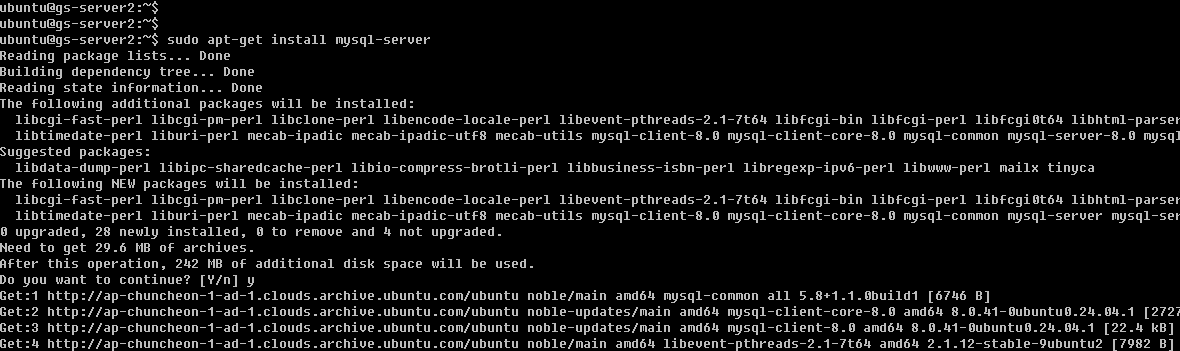
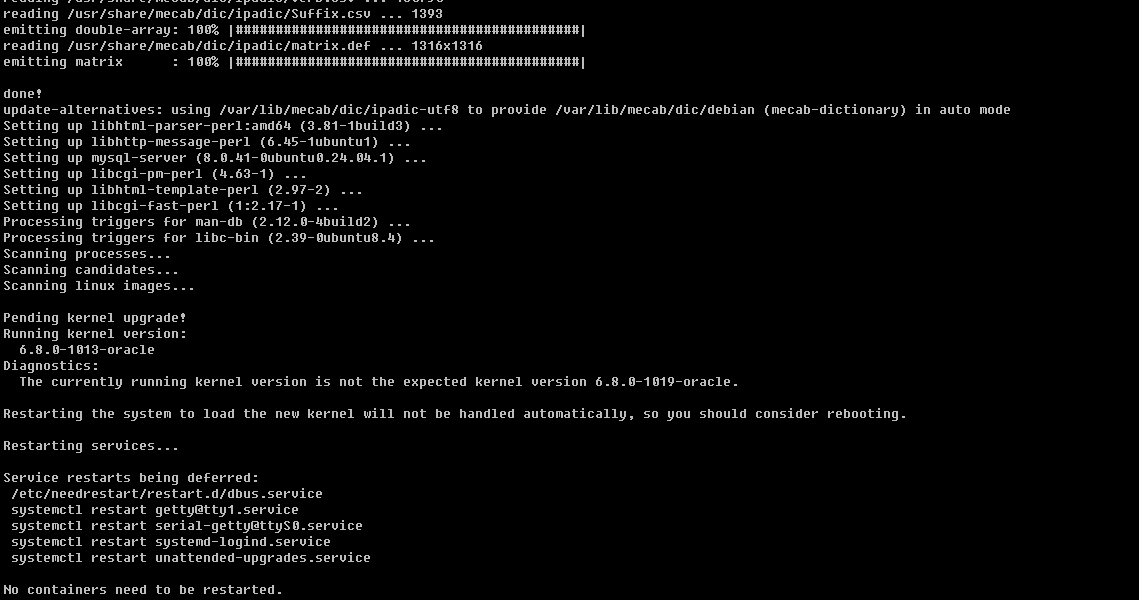
- mysql이 정상적으로 설치된것을 확인한다.
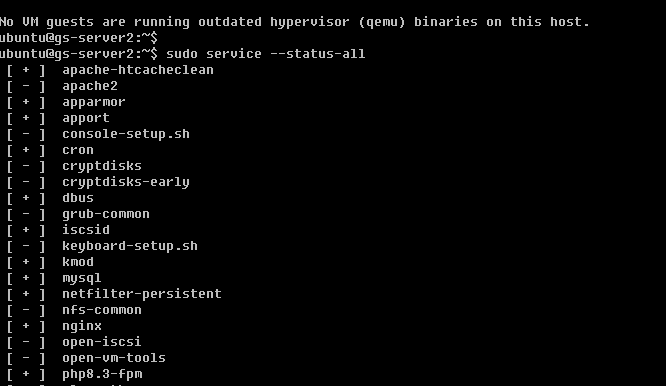
- sudo systemctl enable mysql 명령을 사용하여, 서버 재시작시 mysql이 자동시작되도록 한다.
- mysql에 접속한다.
- sudo mysql -u root
- DB생성
- create database game_1;
- 유저생성
- CREATE USER 'user_1'@'%' identified by '암호';
- 유저권한설정
- grant all privileges on game_1.* to user_1@'%'
- 적용
- FLUSH PRIVILEGES;
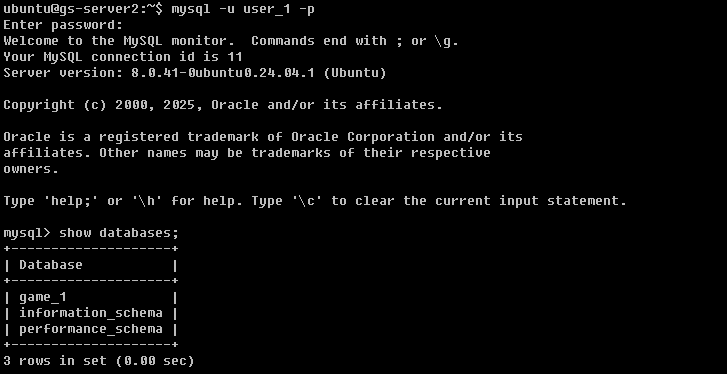
- 해당 유저로 mysql접속을 확인한다.
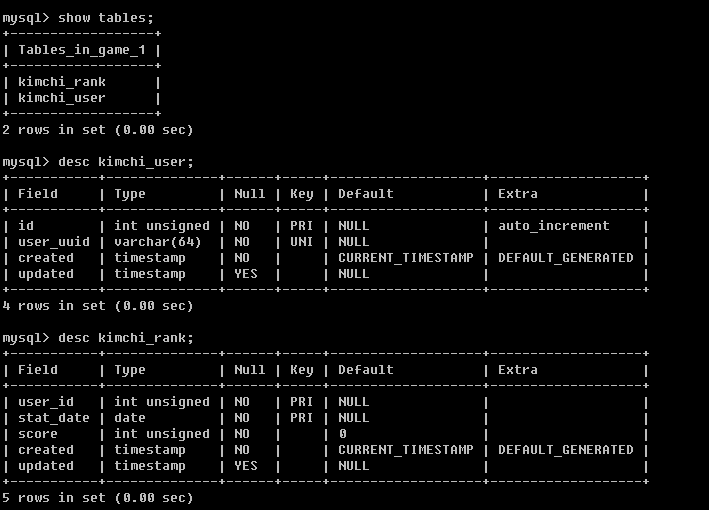
- game_1 DB에 user,rank Table생성
CREATE TABLE IF NOT EXISTS game_1.kimchi_user (
 id int unsigned not null AUTO_INCREMENT,
 user_uuid varchar(64) not NULL,
 created timestamp not null default CURRENT_TIMESTAMP,
 updated timestamp null,
 primary key(id),
 unique key(user_uuid)
) ENGINE=InnoDB DEFAULT CHARSET=utf8;

CREATE TABLE IF NOT EXISTS game_1.kimchi_rank (
 user_id int unsigned not null,
 stat_date date NOT NULL,
 score int unsigned not null default 0,
 created timestamp not null default CURRENT_TIMESTAMP,
 updated timestamp null,
 primary key(user_id,stat_date)
) ENGINE=InnoDB DEFAULT CHARSET=utf8;